
Brand color setting is now available in the LMS platform for online schools
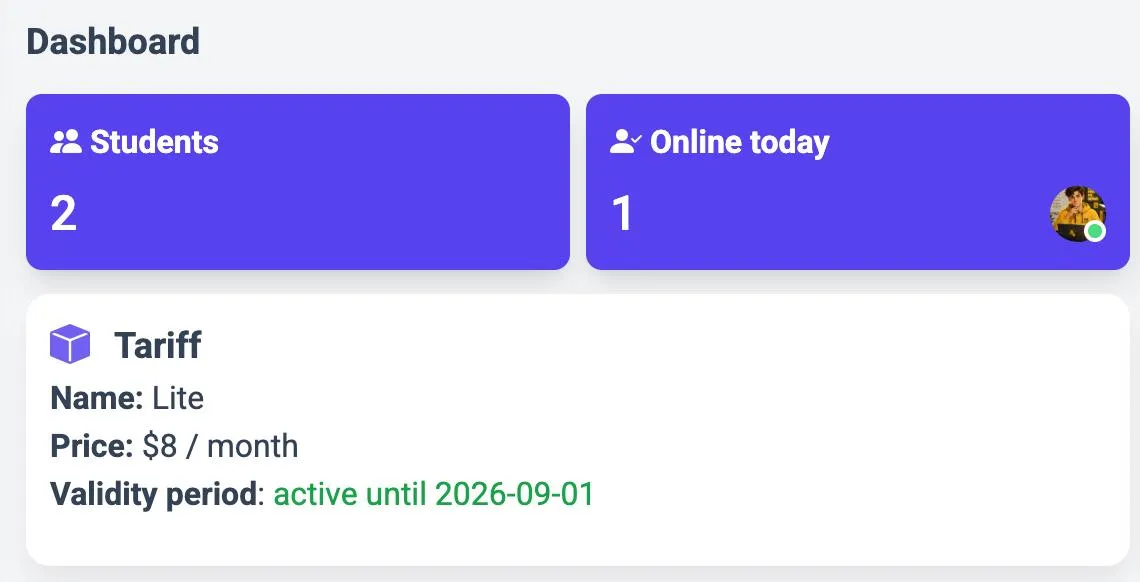
A new feature is now available in the UseUme LMS platform for online schools — setting a custom brand color. The color applies to accent interface elements: buttons, active tabs, icons and dashboard cards. It is picked up automatically and works in both light and dark themes. You can also set a custom background color for the whole school: it fills the workspace (the area behind cards and the sidebar) and only changes in the light theme — the dark theme is not affected.
Where to find the setting
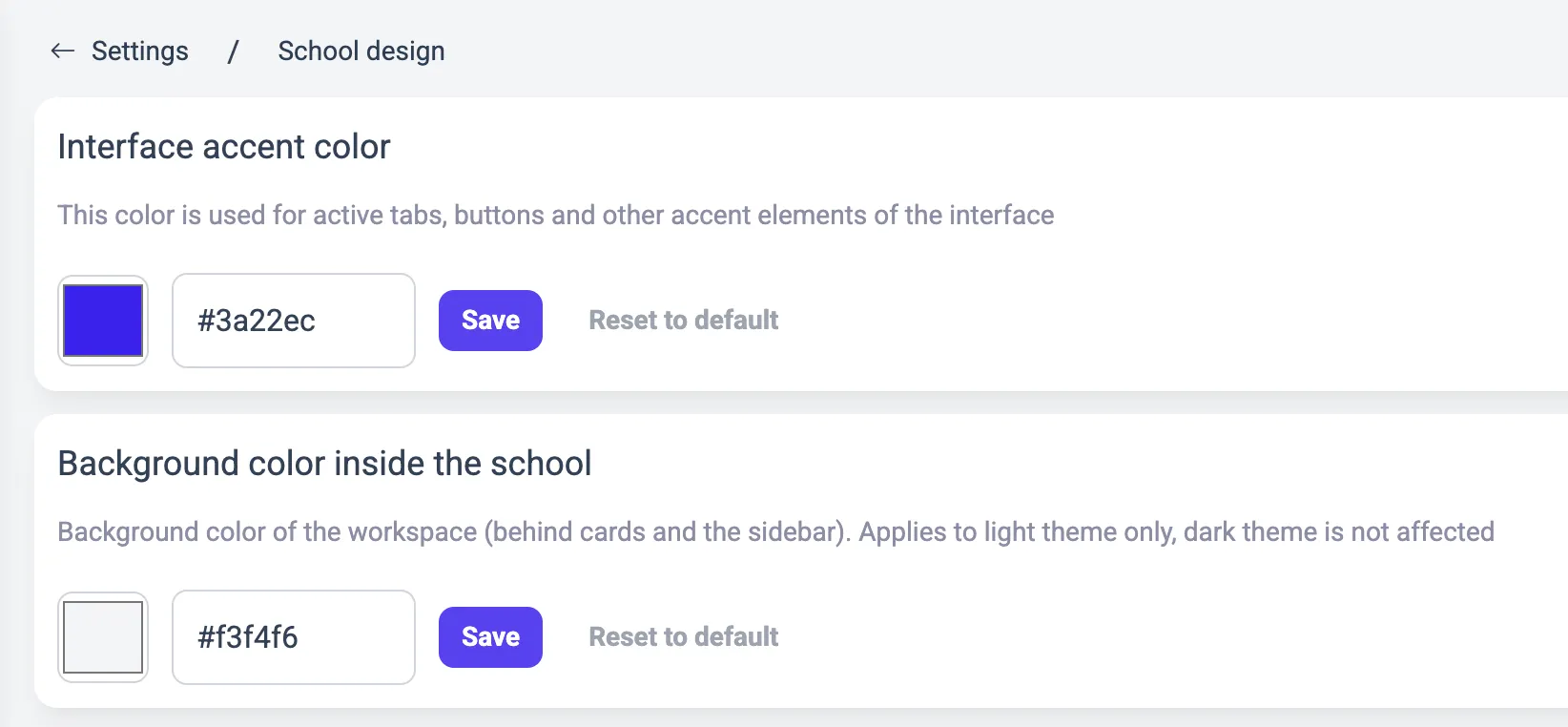
The settings are available in the school admin panel: menu Settings → section School design. The Interface accent color block sets the brand color via the picker or by entering a HEX code (for example, #3b82f6) and applies it instantly. Next to it is the Background color inside the school block, where you choose the background of the school workspace — the area behind cards and the sidebar. Both colors apply instantly.
How to reset to the default look
To undo changes, simply click the Reset to default button — it works for both the brand color and the background color. The chosen colors are picked up automatically in the interface of all students.